How to Get High-Quality Artwork Files
High-quality artwork files are essential for professional printing. Whether your design comes from a designer, stock images, or AI tools, print-ready files follow different rules than screen graphics. This guide shows how to prepare artwork quick guide to ensure your files are ready for print.
In-Depth Related Learning Guides:
Want to learn more before uploading your artwork? These guides will help you prepare print-ready files:
- How to Convert CMYK to Pantone (PMS)
- Popular Pantone Colors Chart (PMS)
- Pantone Color Match Validator
- Critical Color Match Guidelines
- Graphic Design Basics: 5 Steps for Top-Tier Art Files
Start With Your Original Vector or Design Files
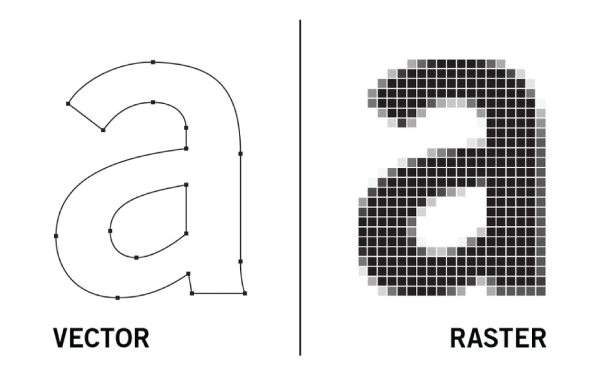
Vector files (like AI, EPS, or PDF) are essential for logos and graphics that need to be scaled. They stay crisp at any size, unlike pixel-based images. Need help? Check out our Graphic Design Basics to understand why these files are preferred.
Pro tip: Ask your designer for vector files and any brand fonts used.
Use High-Resolution Images
(At Least 150–300 DPI)
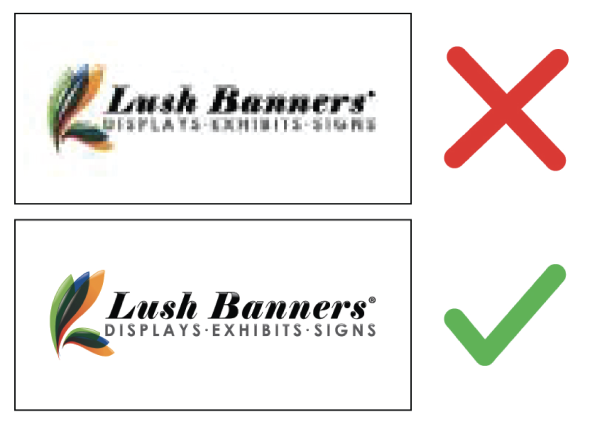
Images must be high resolution at their final print size to avoid blur or pixelation. Low-resolution images and most screen-optimized files are not suitable for large-format printing.
To ensure sharp prints, use images that are at least 150 DPI at their print size. Avoid low-resolution web or AI-Generated images. Use trusted stock photo sites or high-quality personal photos.
Please note: Many Canva-generated designs (including Premium Canva templates) and small Canva files are often not print-ready and may appear blurry or pixelated when enlarged
We recommend exporting Canva files as PDF Print (300 DPI) whenever possible.
Using AI-Generated Artwork
AI-generated graphics can be used for printing when files meet proper size, resolution, and color requirements. However, many AI-generated designs are low resolution and may appear blurry or pixelated when enlarged. We recommend using high-resolution files and reviewing artwork carefully before production to ensure clean, professional results
If your AI file is not print-ready, our team may recommend improvements or request a higher-quality version before printing.
Check Color Profiles & Highlight Critical Color Matches
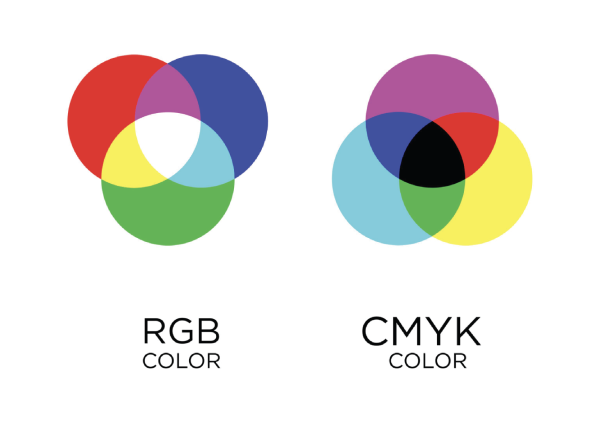
Always use
Please Note: For Critical Color Match orders, please provide a vector file and Pantone Solid Coated (PMS) color codes only (example: PMS 186 C). 1-2 solid colors per design
Tip: Need help choosing Pantone colors? Please refer to our Popular Pantone Colors For Design Chart or learn how to convert CMYK to Pantone here.
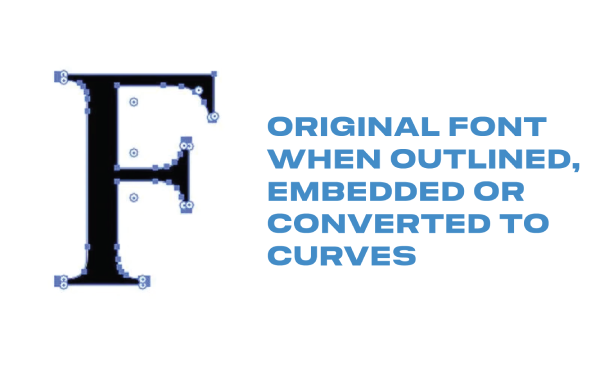
Outline Fonts & Embed Images
Convert text to outlines and embed images in your file to avoid font issues and missing graphics during printing.
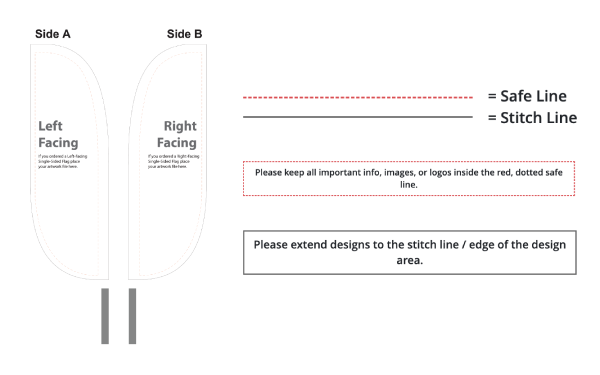
Watch Bleed & Safe Zones
Include bleeds in your design and keep important content within safe zones. This prevents clipping during trimming. Use templates provided by your printer for accuracy.
Free Artwork Review from Lush Banners
Lush Banners provides a free file review before you order. We fix minor issues (up to 1 hour of design time) to ensure your print quality isn’t affected.
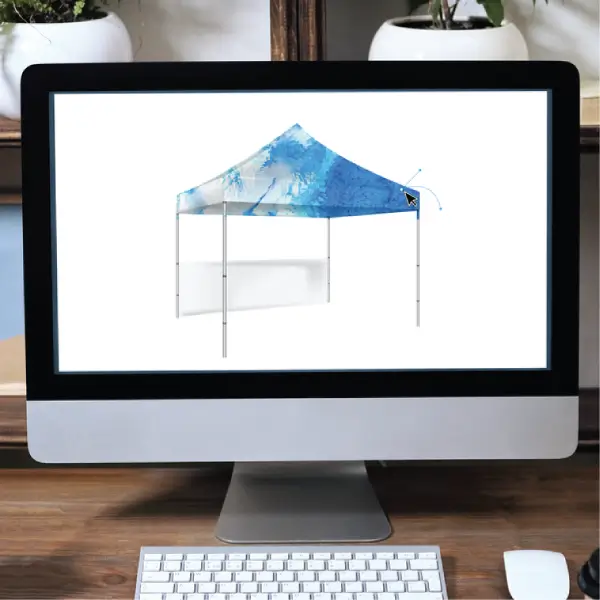
Hire a Professional Designer (or Let Us Help!)
For advanced designs, hire a pro. Lush Banners offers flat-rate design services. Save time and get it right the first time.
For more details, check our full guide: How to Get High-Quality Art Files.
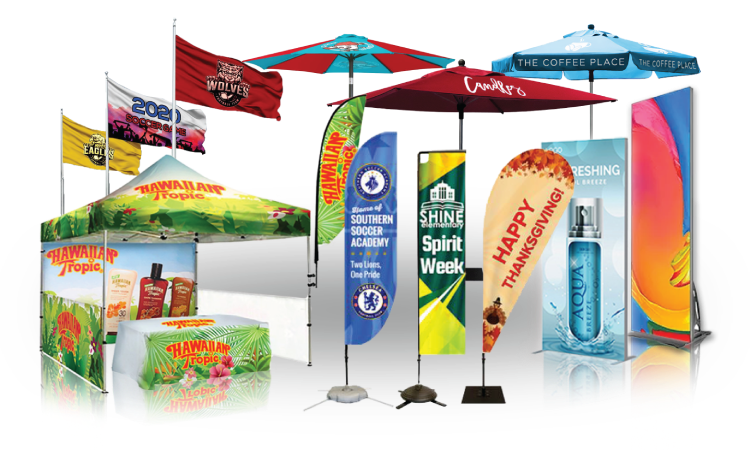
Ready to elevate your brand visibility?
From eye-catching flags to full event displays, Lush Banners brings your brand to life with durable, high-quality custom display solutions.

